Computer Station Nation is reader-supported.
When you buy through links on our site, we may earn an affiliate commission. Learn more.
The same lighting that’s perfect for afternoon work is harsh for late-night gaming and wrong for video calls. Here’s how to set up your lighting to switch between tasks properly.
Deep work / programming / writing
Color temp: 4500–5000K (neutral to slightly cool). Brightness: 60–80% on a 400-lumen lamp. Bias lighting: neutral white or off. Overhead: moderate ambient. Goal is alert, focused, no eye strain from contrast.
Gaming
Color temp: 3000–4000K (warm to neutral). Brightness: 30–50% — low enough not to wash out your immersion but enough to prevent the monitor-in-dark-room contrast problem. Bias lighting: on, set to a dim single color or screen sync. RGB accent: whatever you like, but keep it low saturation during play.
Video calls
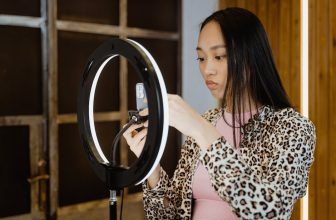
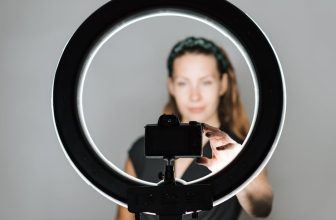
This is where most people have the worst lighting. The camera is pointing at your face, not your desk. Key light placement matters here more than anywhere else. Put a light source slightly above eye level, to one side (not directly in front — that’s flat). Warm white (3500–4000K) is more flattering on camera than cool white. A small lamp positioned to the side of your monitor pointed toward your face changes call quality dramatically.
Late night browsing
Color temp: 2700–3000K (warmest setting). Brightness: 20–30%. Bias lighting: warm white, low brightness. Blue light exposure at night delays sleep onset. Warm, dim light is the least disruptive.
Smart way to manage this
If you have a smart lamp: create scenes for each mode and switch with voice or one tap. If you have a manual lamp: keep a sticky note with the setting for each mode until it’s muscle memory. Two or three minutes of adjustment between tasks pays off in hours of better focus and less eye fatigue.