Computer Station Nation is reader-supported.
When you buy through links on our site, we may earn an affiliate commission. Learn more.
Two budget mechanical keyboards aimed at the same buyer with completely different priorities. The ZIYOULANG Type C Wireless is the work-from-anywhere pick. The Geeky GK61 SE is the desk-bound daily driver. Both come in around $25 and both punch well above their weight. The pick comes down to how often you actually move your keyboard around.
Quick Comparison
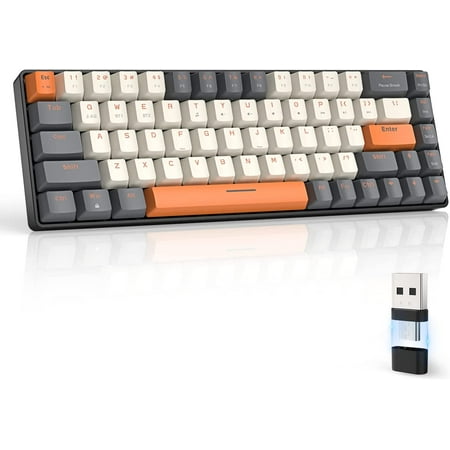
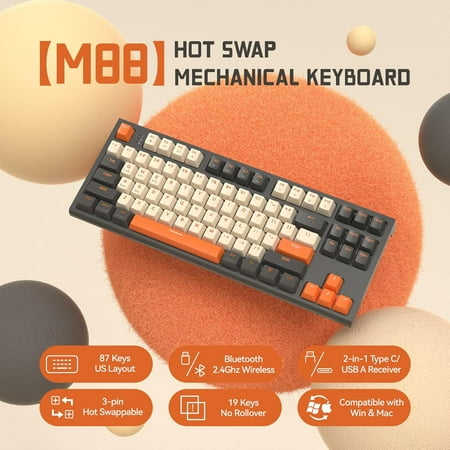
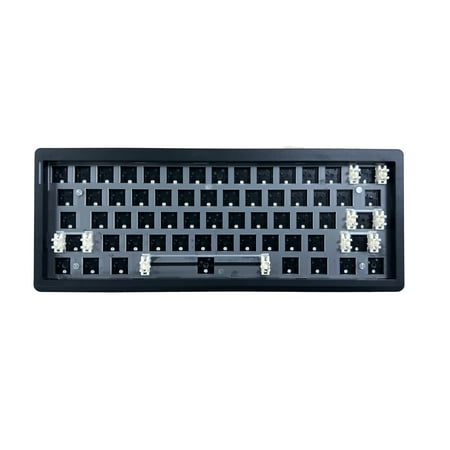
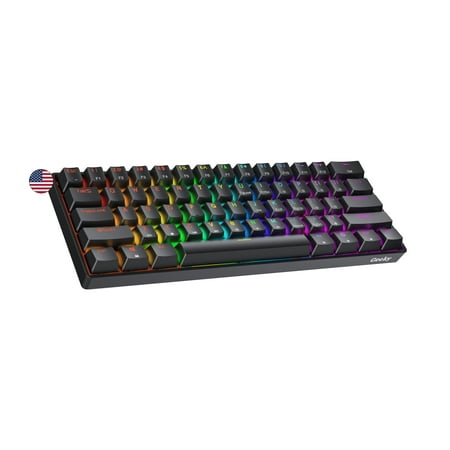
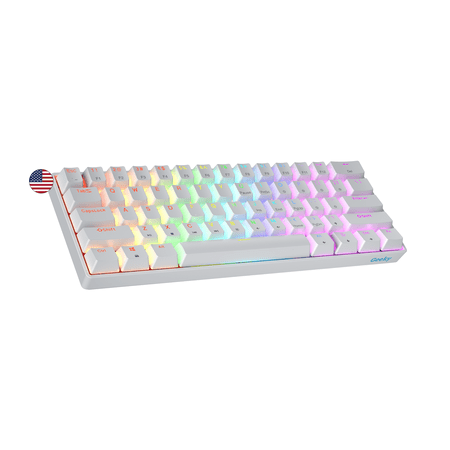
| Spec | ZIYOULANG Wireless | Geeky GK61 SE |
|---|---|---|
| Price | $27.54 | $22.73 |
| Connection | 2.4GHz + USB-C wired | USB-C wired only |
| Switch type | Red linear | Mechanical Brown (tactile) |
| Layout | Compact full-key (87 keys) | 60% ANSI (61 keys) |
| Keycap material | Dye-sub PBT | ABS |
| Backlight | RGB | RGB per-key |
| Battery life | ~30 hours (no RGB) | N/A — wired only |
| Compatibility | Win / Mac / Linux | Win / Mac / Linux |
Wireless vs Wired
This is the entire game. The ZIYOULANG ships with a 2.4GHz USB-C dongle that gives you true wireless typing with imperceptible latency. The Geeky is wired-only. If you regularly work from a couch, coffee shop, or just want fewer cables on your desk, the ZIYOULANG wins instantly. If you sit at the same desk every day and have a charging cable plugged in anyway, the wireless feature does nothing for you.
The Geeky’s wired-only design has one quiet advantage — zero battery anxiety. You never run out mid-coding-session. For some folks, that peace of mind is worth more than wireless freedom.
Layout Tradeoffs
The ZIYOULANG is a compact full-key board with 87 keys — dedicated number row, arrow cluster, and function row. The Geeky is a 60% with 61 keys — arrows and F-keys live on a function layer. For programmers who use arrow keys constantly, the ZIYOULANG removes the learning curve. For programmers who want the smallest possible footprint and the closest mouse-to-keyboard distance, the Geeky is the move.
Once you adapt to a 60%, the function-layer arrows become invisible muscle memory. Until then, they’re annoying. The ZIYOULANG skips that adaptation phase entirely.
Switch Feel
The ZIYOULANG ships with Red linear switches — smooth, quiet, no tactile bump. Light bottom-outers love Reds because the lack of resistance is fast. Heavy typists tend to dislike Reds because there’s no feedback to stop you from slamming the key.
The Geeky ships with Brown tactile switches — gentle bump on every press, quieter than Blues, no click. Browns are the most-recommended default for programmers because they give feedback without noise.
For long coding sessions, Browns generally win for typing accuracy. For pure speed and a smooth flow, Reds can be addictive. Try both at some point if you can.
Keycap Quality
The ZIYOULANG has dye-sublimated PBT keycaps. The Geeky has ABS. PBT outlasts ABS — no shine, no fading legends, better texture under your fingers. This is unusual at the ZIYOULANG’s price point. For long-term ownership, the ZIYOULANG has a real edge here.
The Geeky’s ABS keycaps will shine in 6 to 12 months of daily use. Replacement PBT sets for the 60% layout start around $15, so it’s a fixable problem if you care.
Verdict
For programmers who work from one desk and don’t move the keyboard around, the Geeky GK61 SE is the better daily driver. Browns are friendlier for long typing sessions, the 60% layout cuts wrist movement, and it’s $5 cheaper.
For programmers who travel, hop between rooms, or hate cable clutter, the ZIYOULANG Wireless is the smarter pick. PBT caps, true wireless, dedicated arrows — it’s a more flexible board.
FAQ
Is 2.4GHz wireless really lag-free?
For typing, yes. Sub-1ms latency is well below human perception threshold. Competitive gamers might prefer wired anyway out of paranoia, but for programming the difference is unmeasurable.
Why no Bluetooth on the ZIYOULANG?
Cost. Adding Bluetooth would push the price past $40. The 2.4GHz dongle gives a more reliable connection anyway.
Can I swap switches on either keyboard?
No on both — neither has hot-swap sockets. You’re committed to the included switches unless you want to break out a soldering iron.
Which has better build quality?
The ZIYOULANG feels marginally more solid due to the larger footprint and heavier weight, but both are honest budget builds. Neither is a premium tier construction.