Peripherals & Accessories
Creative and JBL are two of the most recognizable names in desktop speakers — and they approach the market completely differently. Creative focuses ...
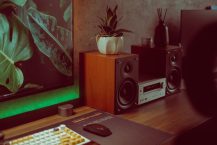
You don't need to spend $50 to get speakers that sound good on a desk. These six options are all under $30 — and all of them are a real upgrade from ...
What actually matters when buying computer speakers — setup types, connection options, wattage explained honestly, and picks at every price point.
Six of the best computer speakers across every budget — from a $13 bare-minimum option to a proper 2.1 system with subwoofer.
Upgrade your battlestation audio without breaking the bank. Here are the best computer speakers at every budget — from $14 RGB setups to a proper 2.1 ...
Headphone jack issues are almost always fixable without buying new headphones. The problem is usually one of four things: a dirty jack, a bent plug, ...
Pairing Bluetooth headphones is usually straightforward, but the process varies between devices and headphone models. Here's how to do it on every ...
Headphones collect earwax, skin oils, dust, and sweat. Left alone long enough, that buildup degrades sound quality, irritates your ears, and breaks ...
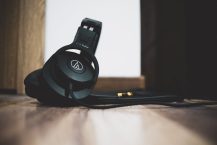
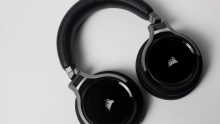
Buying headphones shouldn't require a degree in audio engineering. But the spec sheets, marketing claims, and sheer number of options make it easy ...
For studying, the headphone requirements are simple: comfortable enough to wear for hours, quiet enough to focus, and either wired (so you don't ...
Workout headphones need to do things most headphones don't: stay in while you move, survive sweat, and sound decent when you're breathing hard. ...
Under $50 buys you more headphone than most people expect. You won't get premium ANC or audiophile-grade drivers, but you can get functional ...